
Camtasia Master Class: Screen Recording & Video Editing
MP4 | Video: h264, 1920x1080 | Audio: AAC, 44.1 KHz, 2 Ch
Genre: eLearning | Language: English (India) | Duration: 4 h | Size: 1.07 GB
Camtasia Master Class: Complete Screen Recording & Video Editing Course
Want to create professional screen recordings, YouTube Tutorials, Online Courses, Software Demonstrations, Business Presentations, or Educational Videos?
This comprehensive
Camtasia Master Class
is designed to help you master
TechSmith Camtasia
from beginner to advanced through practical, real-world projects.
Whether you're a
Content Creator, YouTuber, Educator, Trainer, Freelancer, Corporate Professional, Digital Marketer, Software Trainer, or Online Instructor
, this course will teach you everything you need to confidently record, edit, and produce high-quality videos using Camtasia.
Unlike many courses that only explain the software, this master class focuses on
real production workflows
used to create professional content. You'll learn how to record your screen, webcam, microphone, and system audio while maintaining excellent video and audio quality. Then you'll transform your recordings into engaging, polished videos using Camtasia's powerful editing tools.
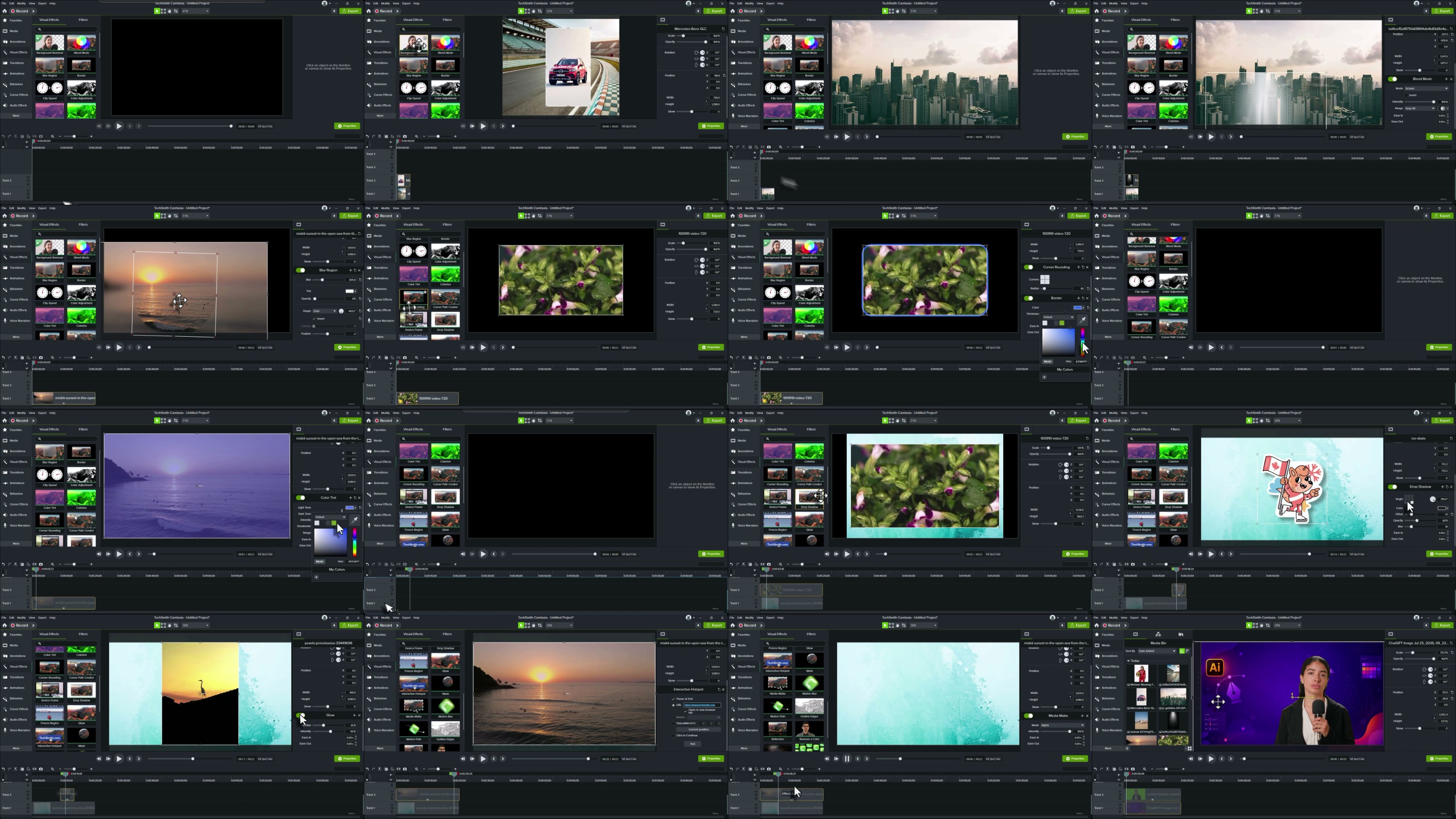
Throughout this course, you'll master timeline editing, trimming, splitting, ripple editing, transitions, animations, behaviors, cursor effects, zoom and pan, callouts, annotations, captions, lower thirds, visual effects, green screen (remove color), audio enhancement, background noise removal, templates, branding, quizzes, assets, libraries, shortcuts, and the latest AI-powered features available in modern versions of Camtasia.
You'll also learn professional techniques for creating:
YouTube videos
Online courses
Software tutorials
Screen recording videos
Product demonstrations
Employee training videos
Educational lessons
Business presentations
Marketing videos
Social media content
This course is packed with practical exercises, downloadable resources, and real-world projects that help you build confidence while improving your editing speed and workflow.
Why enroll in this course?
Complete beginner to advanced training
Latest Camtasia workflow and editing techniques
Professional screen recording setup
High-quality audio recording tips
Real-world editing projects
YouTube and eLearning video creation
Corporate training and presentation videos
AI features and productivity tips
Export videos for YouTube, LMS, websites, and social media
Learn industry best practices from start to finish
By the end of this course, you'll be able to confidently create professional-quality videos for YouTube, Udemy, online teaching, business communication, product training, software tutorials, client projects, and digital marketing.
If you're looking for the
most practical Camtasia course for screen recording, video editing, tutorial creation, and online course production
, you're in the right place.
Enroll today and start creating professional videos with Camtasia like an expert.
More Info

RapidGator
Code:
Code:
Code: